
Inventory and purchasing
Turn sales history into better stock decisions.
Keep products, suppliers, catalogs, ordering, receiving, pricing, labels, and quantity control in the same system that records what customers actually buy.
Know the itemProduct detail, suppliers, departments, attributes, pricing, and history.
Order with evidenceSuggested orders from movement, commitments, min/max, or Days of Supply.
Close the loopReceive, label, update quantity, and make stock available to the business.
Product control
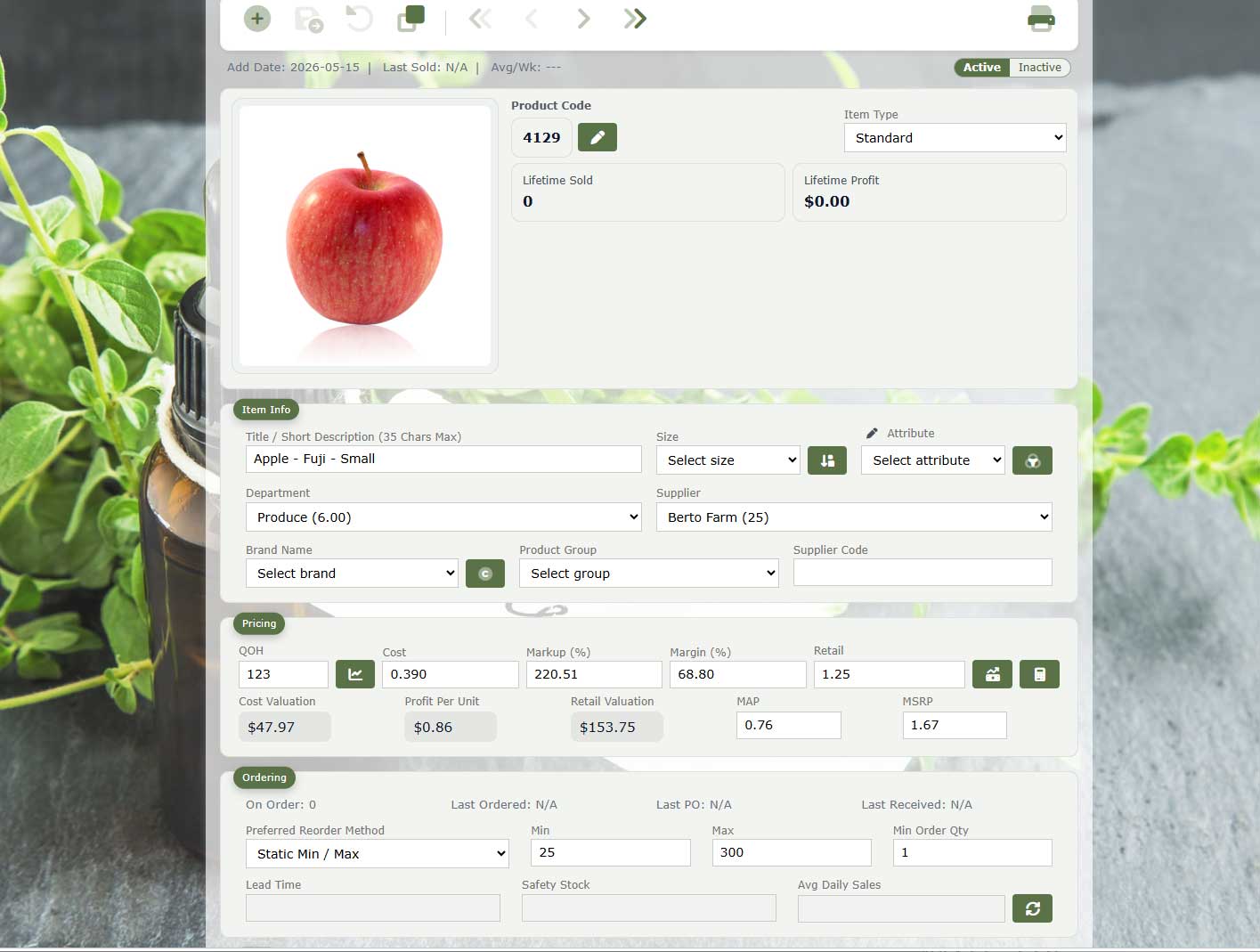
See the product as inventory, merchandise, and history.
A single item record supports the information needed at checkout, online, during purchasing, and on the shelf.
- Products, variations, departments, categories, brands, and suppliers
- Cost, retail, MSRP, MAP, margin, tax, and customer pricing
- Quantity, movement, sales history, and reorder settings
- Images, descriptions, web categories, and catalog information
Replenishment
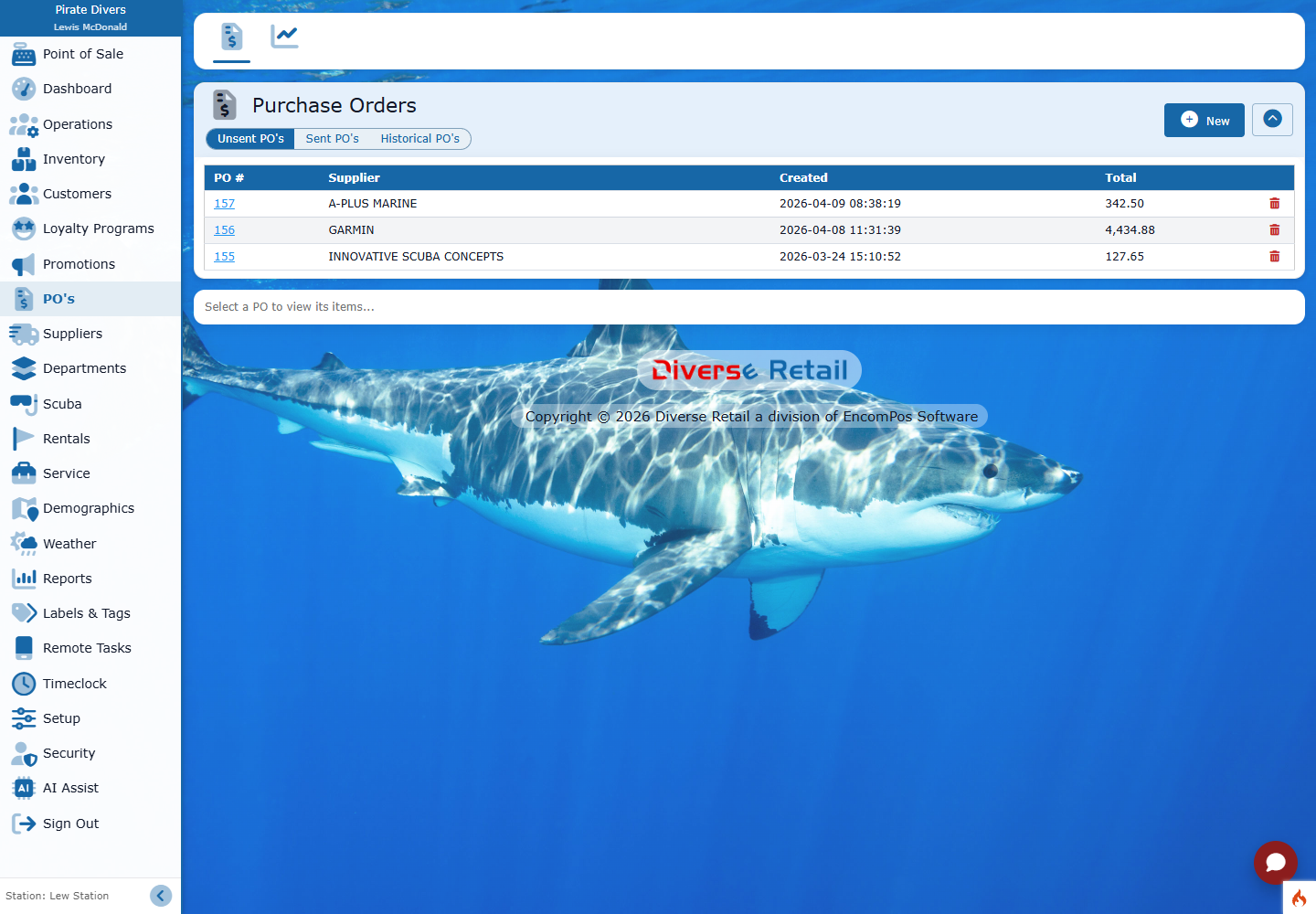
Build purchase orders from the signals that matter.
Suggested ordering can account for regular sales, special orders, inventory targets, changing demand, and the number of days the next order should cover.
- Sales and special-order demand
- Minimum and maximum inventory levels
- Dynamic Min/Max and Days of Supply
- Supplier-specific order export and delivery formats
Suppliers and receiving
Carry the order through arrival and onto the shelf.
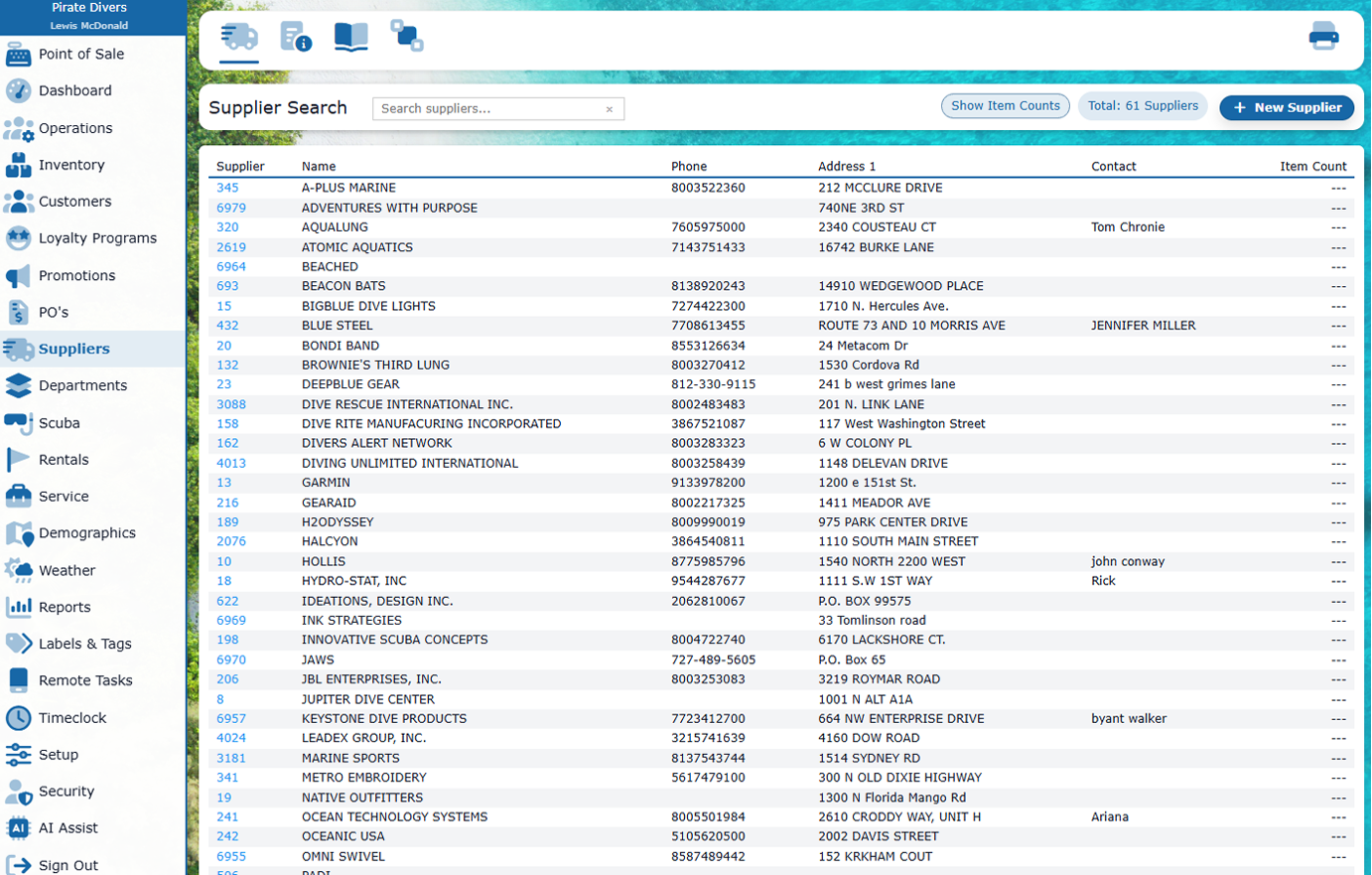
Keep supplier relationships and catalog data alongside ordering, receiving, costs, quantities, labels, and the exceptions staff need to resolve.
- Supplier records, terms, contacts, and catalogs
- Receiving against purchase orders
- Cost and quantity updates
- Custom barcode labels and shelf tags
Inventory everywhere
Take the count and receiving work to the stock.
Responsive Remote Tasks let staff use a phone or tablet, paired with an inexpensive finger barcode scanner when useful, for focused work away from the desk.
Multi-store inventory
Add products and change prices from store to store.
Reuse the product work already done at one location. Review what is new, what will change, and which stores should receive it before applying an update.
Shared product information, local stock and settings. New products start with zero stock and use the receiving department’s tax settings. Existing quantities, sales history, and local retail locks stay with the destination store. Updating cost without retail preserves the selling price and recalculates margin and markup.
Connected department and supplier structure stays synchronized automatically; each store retains its local settings after the initial copy. Matching departments, suppliers, and product groups are checked before item changes are applied.
Explore Multi-Site rules and pricingStock with purpose